How to Start a Print on Demand T-Shirt Business in 2026 With $0
So, how do you start a print on demand business in 2026 with no money?
You can start a print on demand t-shirt business in 2026 with $0 upfront. Sign up to Printify (free), design your first t-shirt using Canva (free), and list it on Etsy, Gumroad, or TikTok Shop. You only pay when a customer buys — no inventory, no warehouse, no financial risk.
You don't need money, a warehouse, or a design degree to start selling custom t-shirts online. In 2026, the print on demand business model means you can launch a real online store today — with $0 upfront — and only spend money once a customer has already paid you.
This guide is for anyone starting from scratch. No experience with e-commerce. No expensive equipment. Just your phone or laptop, a free Canva account, and a Printify account that costs nothing to set up.
By the end of this post you will know exactly how to set up your print on demand t-shirt business, what tools to use, how to run it from your phone, and what mistakes to avoid so you don't waste the first 30 days spinning your wheels.
What Is Print on Demand — and Why Does It Work With No Money
Print on demand (POD) is a business model where you create designs for products which can be printed on before being shipped out — t-shirts, hoodies, mugs, phone cases — and list them for sale online. You simply list mockups of those designs and what they would look like when printed on the merchandise. When a customer orders, a third-party supplier prints and ships the product directly to them using your mockup as a template. You never touch the stock. You never buy inventory upfront.
Here is what makes this print on demand business model different from traditional retail: you only pay the supplier after the customer has already paid you. If nobody buys, you spend nothing. There is no financial risk.
Why this works in 2026
The barrier to entry has dropped to zero. Platforms like Printify connect directly to Etsy, Gumroad, and TikTok Shop. Canva gives you professional design tools for free. You can have a real product live and for sale within two hours of reading this post — without spending a single dollar.
Action Step:
Look up one POD product on Etsy right now — search 'motivational t-shirt' — and note the price. You are about to compete in that exact market.
Why the Print on Demand Business Model Is Perfect for Beginners in 2026
Most online business ideas for beginners still require some upfront cost — a domain, a tool subscription, inventory. Print on demand has genuinely removed that barrier. Here is why it works specifically for someone starting from zero:
No upfront stock cost. You only pay production costs after a sale is made.
No shipping headaches. Printify handles fulfilment, tracking, and delivery worldwide.
No tech skills needed. Canva's free drag-and-drop editor was built for non-designers.
Passive income potential. A listing you create today can sell for months without any extra work.
Works globally. You can sell to customers in the US, UK, or Europe from anywhere in the world.
Print on demand business ideas span every niche you can think of — fitness motivation, pet owners, teachers, gamers, local pride. Pick a niche with a passionate audience and your designs have a ready-made buyer base before you create a single product
ACTION STEP: Write down three niches you know something about or care about. That list is your starting point for step 1.
Step 1 — Choose Your Niche Before You Design Anything
The biggest mistake beginners make is starting with the design instead of the audience. A generic 'positive vibes' t-shirt sells nothing. A t-shirt that says exactly what a nurse, a dog owner, or a gym coach feels every single day sells itself.
A good POD niche has three things: A passionate and identifiable audience, specific phrases or references that resonate only with insiders, and an Etsy or TikTok Shop audience already buying in that space.
How to find a winning niche in 15 minutes:
Go to Etsy. Search a topic you know — fitness, nurses, African pride, teachers, dog breeds.
Look at the bestsellers. Check how many sales those listings have. 1,000+ sales means real demand.
Read the reviews. What do buyers say they love about it? That tells you exactly what language your designs should use.
Pick one niche. Not three. One. Go deep on it before expanding.
Niche examples that convert
1. Dog breed owners (e.g. 'Proud Dachshund Mum')
2. Nurses and healthcare workers
3. Gym and weightlifting culture
4. Teachers
5. African pride and heritage
6. Small town and regional pride
ACTION STEP: Pick your niche right now. Write it down. Do not move to step 2 until you have a clear answer.
Step 2 — Create Your Free Printify Account and Pick a Product
Go to Printify.com and create a free account. It takes less than 2 minutes. No credit card required. Printify is the most beginner-friendly POD platform available in 2026 — it connects directly to Etsy, Gumroad, and TikTok Shop, and its free plan covers everything you need to start.
Choosing your first product
Start with a classic unisex t-shirt. It has the widest audience, the lowest base cost, and the simplest design requirements. On Printify, search 'Bella+Canvas 3001' — this is the most popular t-shirt on the platform and what most successful POD sellers start with.
Base cost: approximately $9–$12 depending on your print provider
Recommended retail price: $24–$32
Your profit per sale: $12–$20 before platform fees
Printify shows you a profit calculator as you set your price. Use it. Price below $22 and you are leaving money on the table. Price above $35 for a beginner store and buyers will hesitate without social proof to back it up.
Printify free vs premium
The free Printify plan is enough to start. Premium ($29/month) gives you 20% off base costs — only worth it once you are making consistent sales. Start free.
ACTION STEP: Sign up to Printify now and add one Bella+Canvas 3001 t-shirt to your product catalogue. Do not design it yet — that is step 3.
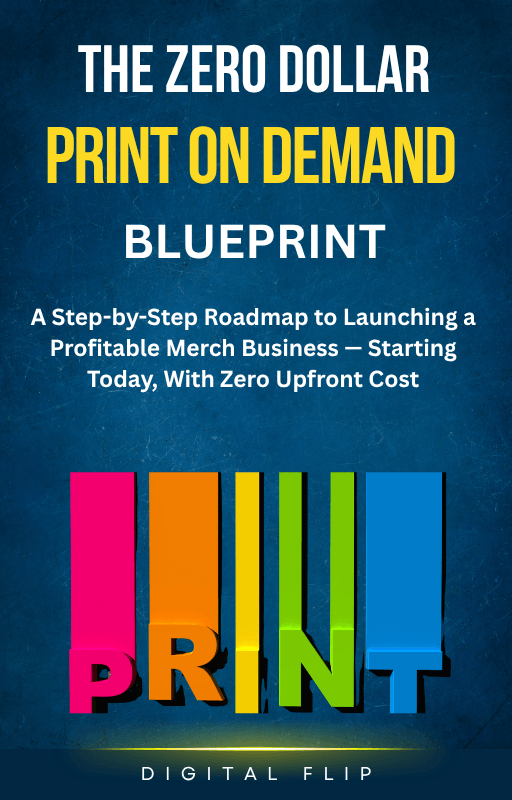
The $0 Print on Demand Blueprint walks you through every step in detail — from choosing your niche to making your first sale. No fluff. No theory. Just the exact process that works.
$12 Ebook-
Zero Dollar Print on Demand Ebook
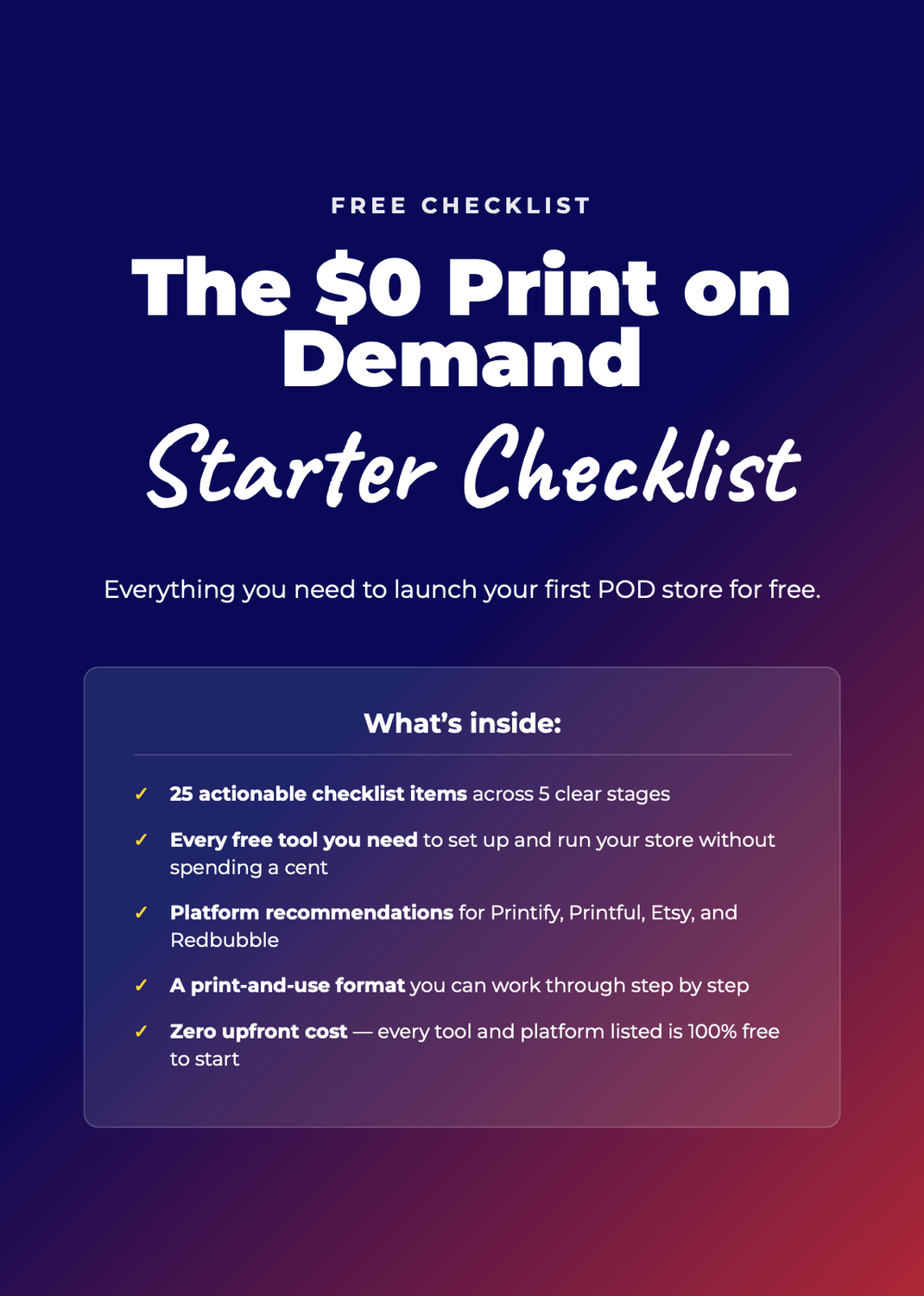
Free Download- Print on Demand Starter Checklist
Step 3 — Design Your First T-Shirt With Canva (Free)
Go to Canva.com and create a free account. In the search bar, type 'T-shirt design' and open a blank template at the correct dimensions (4500 x 5400 px is the Printify standard for a front print). You are now in the same design tool used by professional brands — for free.
Your first design does not need to be complex
The highest-converting beginner t-shirt designs are text-based — a short punchy phrase in a strong font. No illustration required. Here is a simple process that works:
Pick a phrase that your niche will immediately connect with. Keep it under 6 words.
Choose a bold, clean font. In Canva, try 'Bebas Neue', 'Montserrat Bold', or 'Anton'.
Use one or two colours maximum. High contrast works best on t-shirts — white text on black, black text on white, or a single accent colour.
Export as PNG with a transparent background. This is the file you upload to Printify.
Canva Pro tip
Canva's free plan is enough for basic t-shirt designs. Canva Pro (from $15/month) adds access to premium fonts, the background remover tool, and 100 million+ graphics. Upgrade once you have sales coming in — not before.
ACTION STEP: Create your first t-shirt design in Canva right now. Keep it simple. One strong phrase, one font, two colours. Export as PNG and upload it to Printify.
Step 4 — Run Your Entire Print on Demand Business From Your Phone
No laptop? Not a problem. The entire print on demand workflow — designing products, listing them for sale, and managing orders — can be done from your phone. Thousands of POD sellers run full-time businesses from a smartphone alone.
These are the apps you need and they are all free:
Canva app (iOS and Android) — design your t-shirts directly on your phone. The mobile app has the same core features as the desktop version. Create a new design, add text, adjust fonts and colours, and export as PNG — all from your screen.
Printify app (iOS and Android) — manage your product catalogue, update prices, and track orders on the go. The mobile app gives you full store access without needing a laptop.
Etsy Seller app (iOS and Android) — manage your Etsy shop, respond to messages, and track sales notifications. Turn on push notifications so you know the moment a sale comes through.
Gumroad (mobile browser) — Gumroad does not have a dedicated seller app, but the mobile site works well for managing listings and checking payouts.
How to design, list, and manage orders on mobile:
Design on Canva mobile. Open the Canva app, search 'T-shirt design', select the 4500x5400 blank canvas, add your text or graphic, and download as PNG.
Upload to Printify mobile. Open the Printify app, select your t-shirt product, tap 'Add design', and upload the PNG file from your phone's gallery.
Write your listing on Etsy mobile. Open the Etsy Seller app, tap 'Add a listing', connect your Printify product, write your title and description, set your price, and publish.
Manage orders automatically. Once a sale comes through, Printify handles everything — printing, packing, shipping. Your job is to market the product and collect the payment.
What works on mobile vs what needs a laptop
Honest note on mobile limits
Designing complex graphics with multiple layers is easier on a desktop — the larger screen and mouse make precision work faster. But a text-based t-shirt design takes 15 minutes on a phone. Starting on mobile is completely realistic. Upgrade to a laptop when your sales justify it.
Things that work well on mobile: Simple text designs in Canva | Uploading products to Printify | Listing on Etsy | Responding to customer messages | Checking sales and payouts | Promoting on TikTok and Instagram
Things that work easier on desktop: Complex multi-layer graphic designs | Bulk-uploading many product variations | Writing long SEO product descriptions | Managing multiple stores simultaneously
ACTION STEP: Download the Canva app and the Printify app on your phone right now. Open Canva and start your first design — even if it takes 20 minutes and is imperfect. Done is better than perfect. You can also use the Canva web option on a computer.
Step 5 — List Your Product on Etsy, Gumroad, or TikTok Shop
Where you list your product matters. Each platform has a different audience, fee structure, and discovery mechanism. Start with one platform and add more once you have made your first sale:
Etsy — best for organic search traffic
Etsy has over 90 million active buyers searching for personalised and custom products every day. It is the highest-traffic platform for POD t-shirt sellers. Listing fee: $0.20 per item. Transaction fee: 6.5% per sale. Etsy also has its own search algorithm — SEO your product titles and descriptions with the exact phrases buyers type, such as 'funny nurse t-shirt gift' or 'personalised dog mum shirt'.
Gumroad — best for direct sales with no marketplace fees
Gumroad charges 10% per sale on the free plan (0% if you upgrade to the $10/month plan). It does not have a built-in marketplace like Etsy, so you will need to drive your own traffic from social media. The advantage: you own the customer relationship and collect the email address of every buyer.
TikTok Shop — best for social-first sellers
TikTok Shop integrates directly with Printify and lets you sell inside the TikTok app. If you are already posting on TikTok, this is the fastest route to your first sale. Commission fee: 6–8% depending on your category. The barrier to entry is low and viral content can drive hundreds of orders overnight
Start with Etsy
If you have no social media audience yet, start with Etsy. The built-in search traffic means your listings have a chance of being found on day one — without needing followers.
ACTION STEP: Open an Etsy seller account today at etsy.com/sell. It takes 10 minutes. List your first Printify product before the end of the day.
Best Free Tools for Your Print on Demand T-Shirt Business
These are the exact tools you need to start and run a print on demand business. Every one of them has a free tier that is enough to make your first sale.
Printify — your POD fulfilment partner
Printify connects your designs to a global network of print providers. It handles production, packing, and worldwide shipping automatically. Free plan covers unlimited product designs and integrations with Etsy, Gumroad, and TikTok Shop. Create your free Printify account here.
Canva — your free design studio
Canva's free plan gives you access to thousands of fonts, graphics, and templates. For t-shirt designs, it is all you need to start. Canva Pro ($15/month) adds the background remover and premium graphics — worth it when you are scaling, not when you are starting.
Etsy — your first marketplace
Etsy is where your first organic sales will most likely come from. List your first product at etsy.com/sell. Focus your product titles on what buyers search — not what sounds creative.
eRank or Marmalead — free Etsy SEO tools
Both tools help you find the exact keywords buyers type into Etsy search. Use them to optimise your listing titles, tags, and descriptions. eRank has a free plan that covers everything a beginner needs.
Quick start tip:
Don't list yourself as an "AI writer." List yourself as a "blog post writer" or "email copywriter" who happens to use AI to deliver faster. Clients buy results, not tools. Focus your profile on what they get, not how you produce it.
ACTION STEP: Bookmark all four tools above. You should have Printify and Canva accounts set up before moving forward. If you have not done this yet — stop reading and do it now.
Common Print on Demand Mistakes Beginners Make (And How to Avoid Them)
Mistake 1 — Trying to sell to everyone
A t-shirt that appeals to everyone appeals to no one. The sellers who make consistent sales target a specific person — a labrador owner, a night-shift nurse, a powerlifter. Get specific. The narrower your niche, the higher your conversion rate.
Mistake 2 — Bad product photos
Buyers on Etsy cannot touch your product. Your mockup image is doing all the selling. Printify generates automatic mockups — use them, but also use Canva to create lifestyle-style flat lays or overlay your design onto a real-looking t-shirt mockup. Placeit.net offers free t-shirt mockup templates.
Mistake 3 — Ignoring Etsy SEO
Your listing title is not the place for clever wordplay. It is the place to write exactly what your customer types into search. 'Funny Nurse Gift T-Shirt | Healthcare Worker Shirt | Nurse Appreciation' beats 'The Night Shift Collection' every single time.
Mistake 4 — Giving up after the first week
Most POD sellers make their first sale between day 14 and day 45. The algorithm needs time to index your listings. New Etsy shops also need to build trust signals — more listings, more reviews. Publish 10 listings in your first month. Giving up at 5 listings after 7 days is the number one reason beginners fail.
Realistic timeline
1. Week 1–2: Set up, design, list first 5 products.
2. Week 3–4: First sale usually arrives.
3. Month 2–3: $100–$300/month with consistent listings and basic Etsy SEO.
4. Month 4–6: $500–$1,000/month with 30+ listings and repeat buyers
Frequently Asked Questions
How much money do I need to start print on demand?
Zero dollars. Printify is free to join. Canva is free to use. Etsy charges $0.20 to list a product — that is your only upfront cost. Your production costs are deducted from the sale price after the customer has already paid. You never spend money before you earn it.
Which print on demand platform is best for beginners?
Printify is the best starting point for most beginners. It has the largest network of print providers, integrates with Etsy and TikTok Shop directly, and its free plan has no limitations on product designs. Printful is a strong alternative with slightly higher base costs but excellent print quality. Start with Printify.
Can I start a print on demand business on my phone?
Yes. The Canva app lets you create designs on mobile. The Printify app lets you manage products and orders. The Etsy Seller app lets you manage your store. A text-based t-shirt design can be completed on a phone in under 20 minutes. Phone-first is a completely realistic way to start — many successful POD sellers never used a laptop in their first month.
How long before I make my first sale?
Most beginners see their first sale within 2–6 weeks of publishing their first listings on Etsy, provided they have used proper SEO keywords in their titles and tags. Sellers who drive additional traffic from TikTok or Instagram often see sales in the first week. Publish at least 10 listings before expecting consistent traffic.
The $0 Print on Demand Blueprint walks you through every step in detail — from choosing your niche to making your first sale. No fluff. No theory. Just the exact process that works.
$12 Ebook-
Zero Dollar Print on Demand Ebook
Free Download- Print on Demand Starter Checklist
Written by Digital Flip
Digital Flip is a digital products brand dedicated to helping complete beginners and 9-to-5 workers build sustainable online income. We cut through the noise, skip the theory, and deliver practical tools you can act on today. Explore our full product range at digitalflip.org/store.
SHARE